

































































































































































































































































































































































































































































































































































































































































































































































































































































































































































































































































































































































































































































































































































































































































































































































































































































































































































































































































































































































































































































































































































































































































































































































































































































































































































































5 Signs Your Android Phone May Be Infected with a Virus or Malware


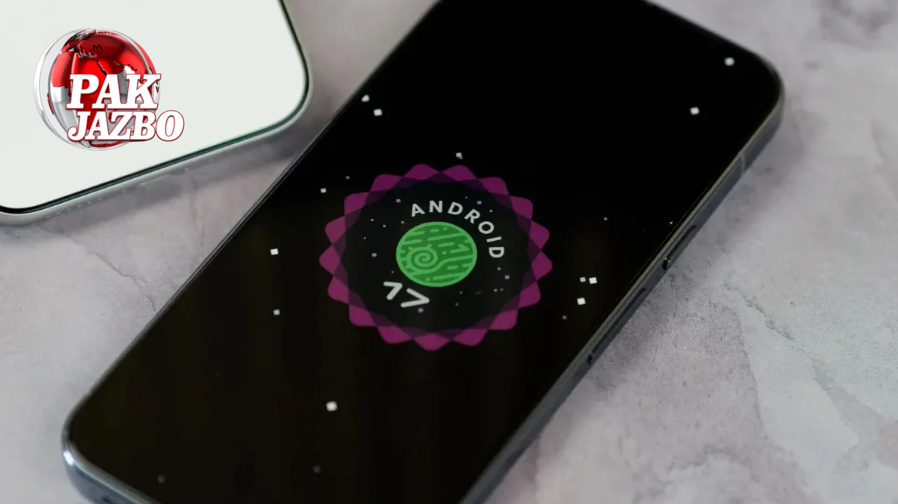
Around 3.9 billion Android smartphones are currently in use worldwide, accounting for about 70% of all smartphones. With such a large user base, Android devices are a prime target for malware attacks.
When infected, an Android phone may expose personal details to cybercriminals, flood the user with ads, or suffer from severely reduced performance. The risks often increase when users install suspicious apps, use corrupted USB devices, or connect with unsafe cables.
But how can you tell if your Android phone has been compromised? Here are five key signs that may indicate your phone is infected with malware.
1. Unexpected Pop-up Ads and Videos
One of the most common forms of Android malware is adware. If your device is suddenly bombarded with intrusive ads—whether you’re browsing, watching videos, or even using trusted apps—this may be a red flag.
Although many ads are harmless annoyances, some redirect you to malicious websites or prompt you to download unsafe apps, putting your privacy and security at risk.
2. Suspicious Apps Installed Without Your Knowledge
If you notice apps on your device that you don’t remember installing, it’s a strong sign of infection. Malware often sneaks in through unauthorized apps, especially those downloaded from third-party stores rather than the Google Play Store.
Google recommends avoiding unofficial sources because its own store regularly scans apps for threats. Even so, caution is always advised.
3. Overheating and Sluggish Performance
Smartphones are designed to run apps, load web pages, and store data efficiently. However, malware forces your phone’s processor to work overtime, often running hidden processes in the background to steal data.
This extra workload slows down your phone dramatically, making everyday tasks frustrating. It may also cause the device to heat up excessively, even during normal use.
Keep in mind that slow performance isn’t always caused by malware—it can also result from an aging battery or outdated hardware. Running an antivirus scan can help confirm the real cause.
4. Unusually High Data Usage
Malware often consumes large amounts of mobile data by secretly transmitting information from your device to external servers. This results in unexpected spikes in data usage, higher bills, and reduced internet speed for regular apps.
You can check your phone’s data usage report to identify which apps are consuming abnormal amounts of data.
5. Strange or Unexplainable Activities
Sometimes, malware alters your device in ways that are hard to explain. For example, your browser’s homepage might suddenly change to an unfamiliar ad site, or your contacts may start receiving spam links from your number.
These odd behaviors are clear indicators that something malicious is operating in the background.
Final Thoughts
While Android malware is a real and growing concern, most infections can be avoided by following basic safety measures:
- Download apps only from the Google Play Store.
- Avoid clicking on suspicious ads or links.
- Use trusted antivirus apps to scan your device regularly.
- Be cautious with USB drives and charging cables from unknown sources.
By staying alert to these five warning signs, you can detect malware early and protect both your phone and personal data from cybercriminals.
What’s your Reaction?
+1
+1
+1
+1
+1
+1